
From office to done, step by step
The industrial-grade field management system built for reliability, precision, and ease of use. No fluff, just results.
Build your crew
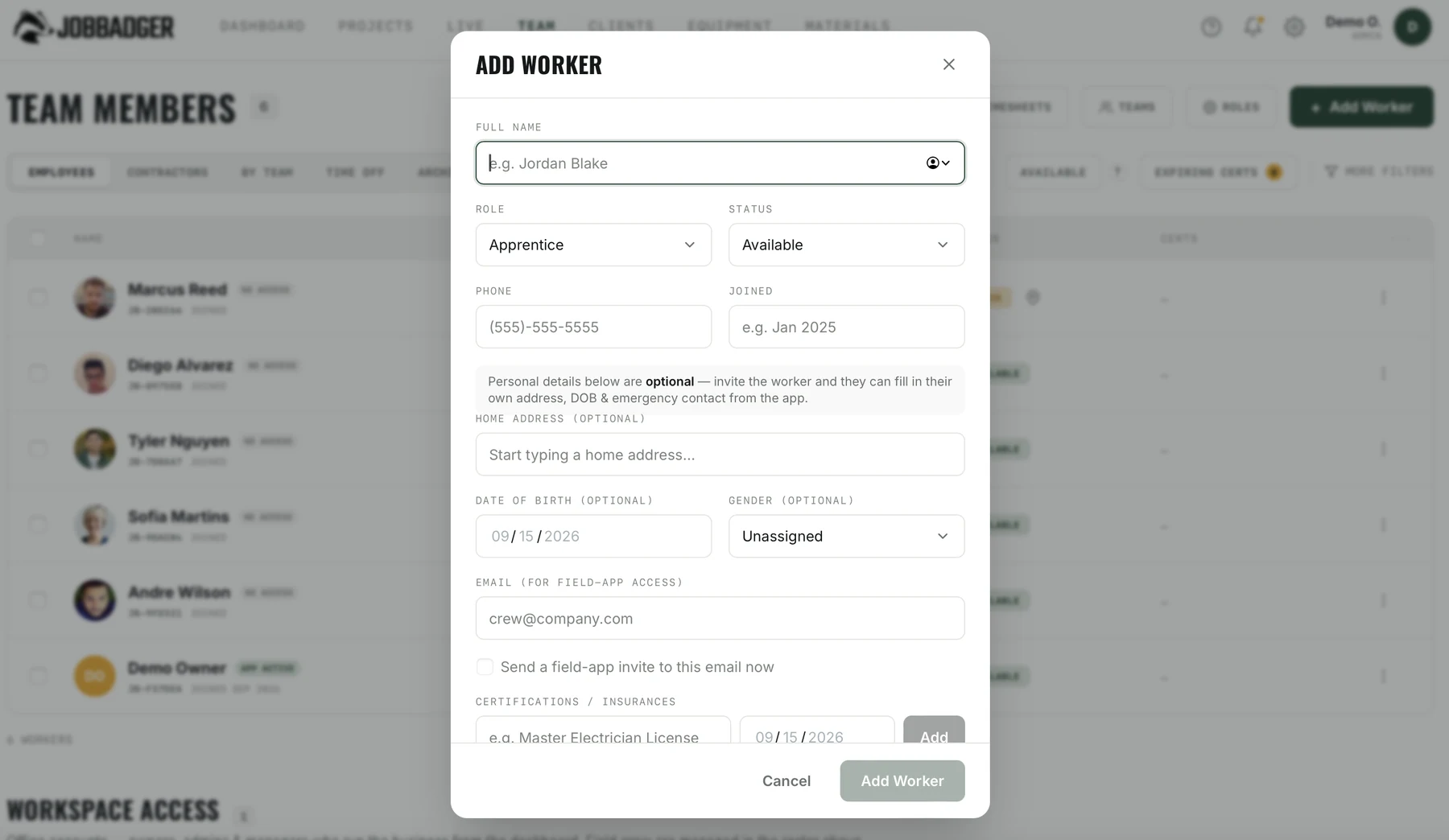
Import your whole team by phone number, set roles and pay rates, and keep licenses and certifications in one place. Every assignment lands on their phone, no group texts, no spreadsheets.
Schedule & dispatch
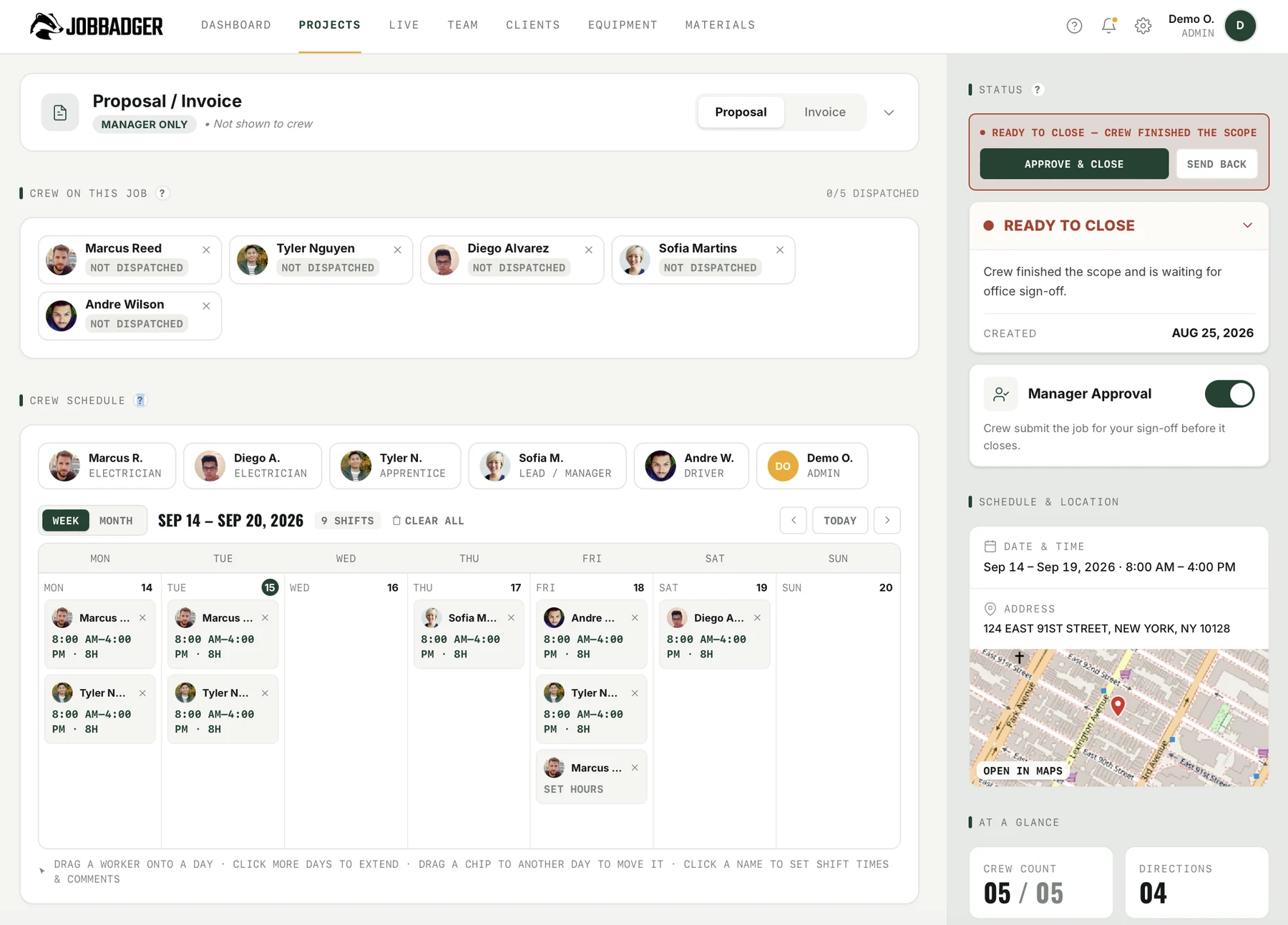
Drag crew onto the calendar, set each shift's start and end, and send directions straight to their phones. Week or month view, the whole job at a glance, everyone dispatched the night before.
Organize by client & site
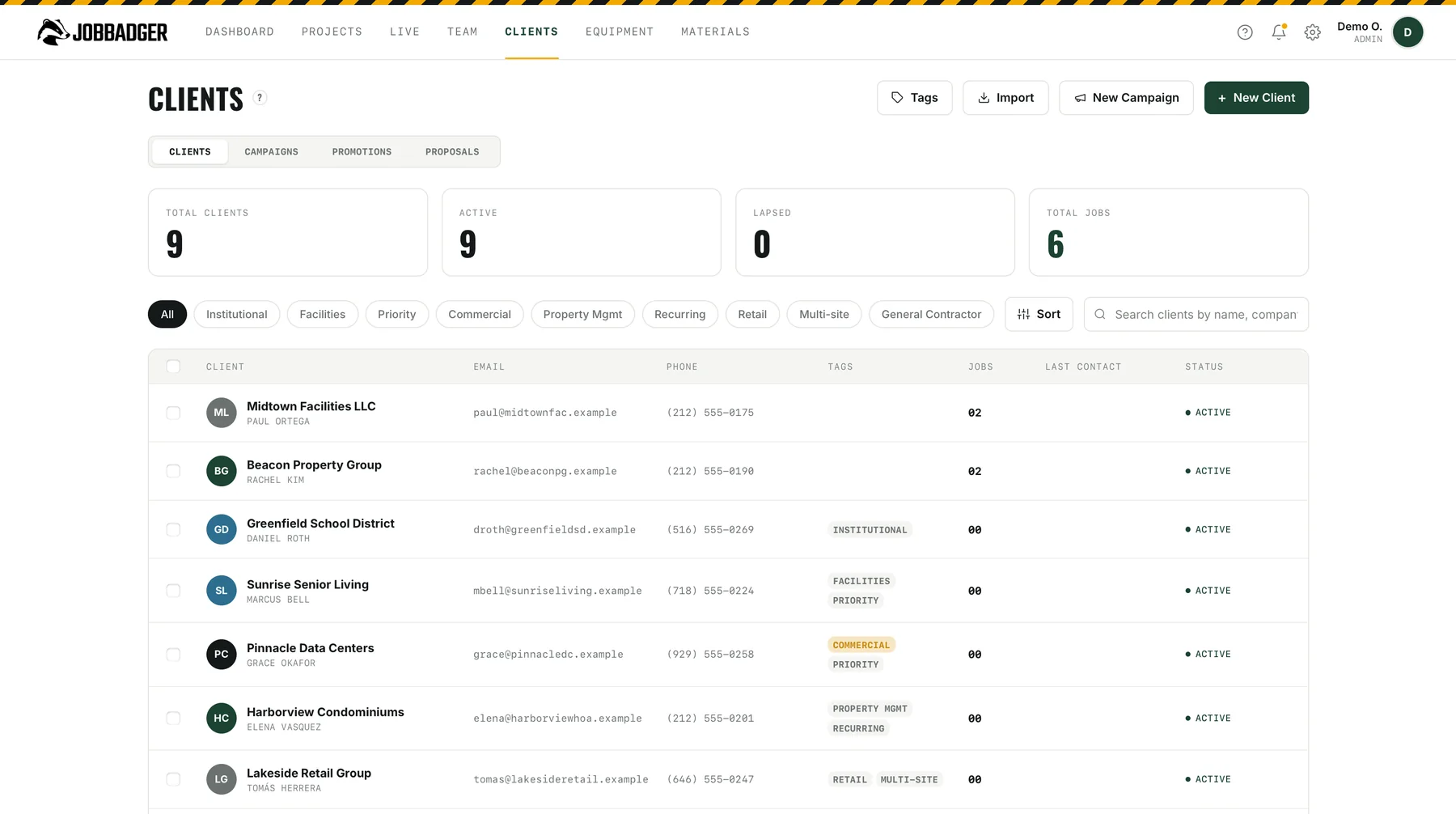
Every job rolls up to a client and a job site, so your dashboard groups the work the way you actually run and bill it. New jobs drop into the right bucket automatically.
Track materials & equipment
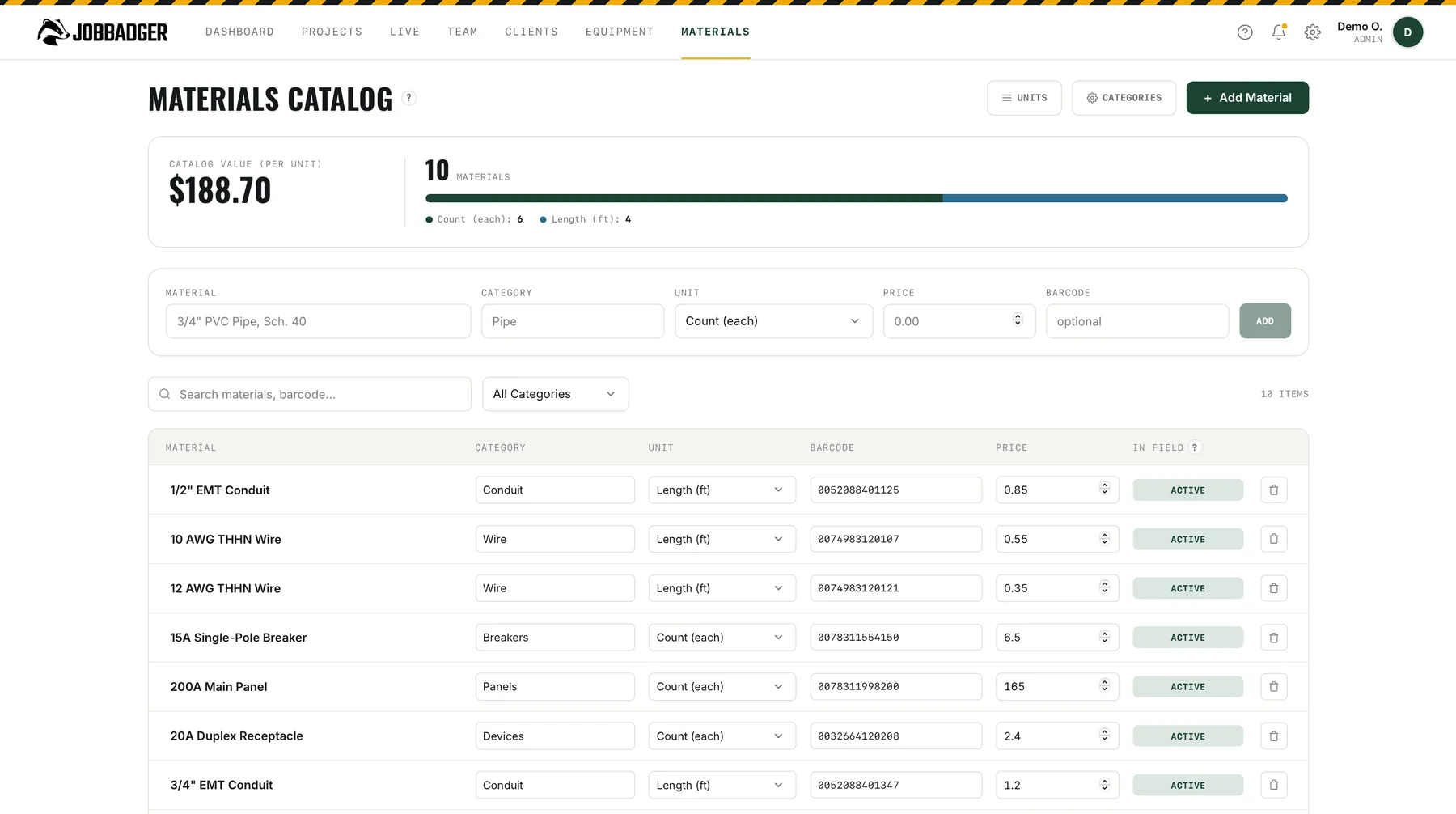
Keep a priced materials catalog and your full equipment inventory in one place. Crews log what they use, and scan a barcode to add it, so you always know your costs and where every tool is.
See every job live
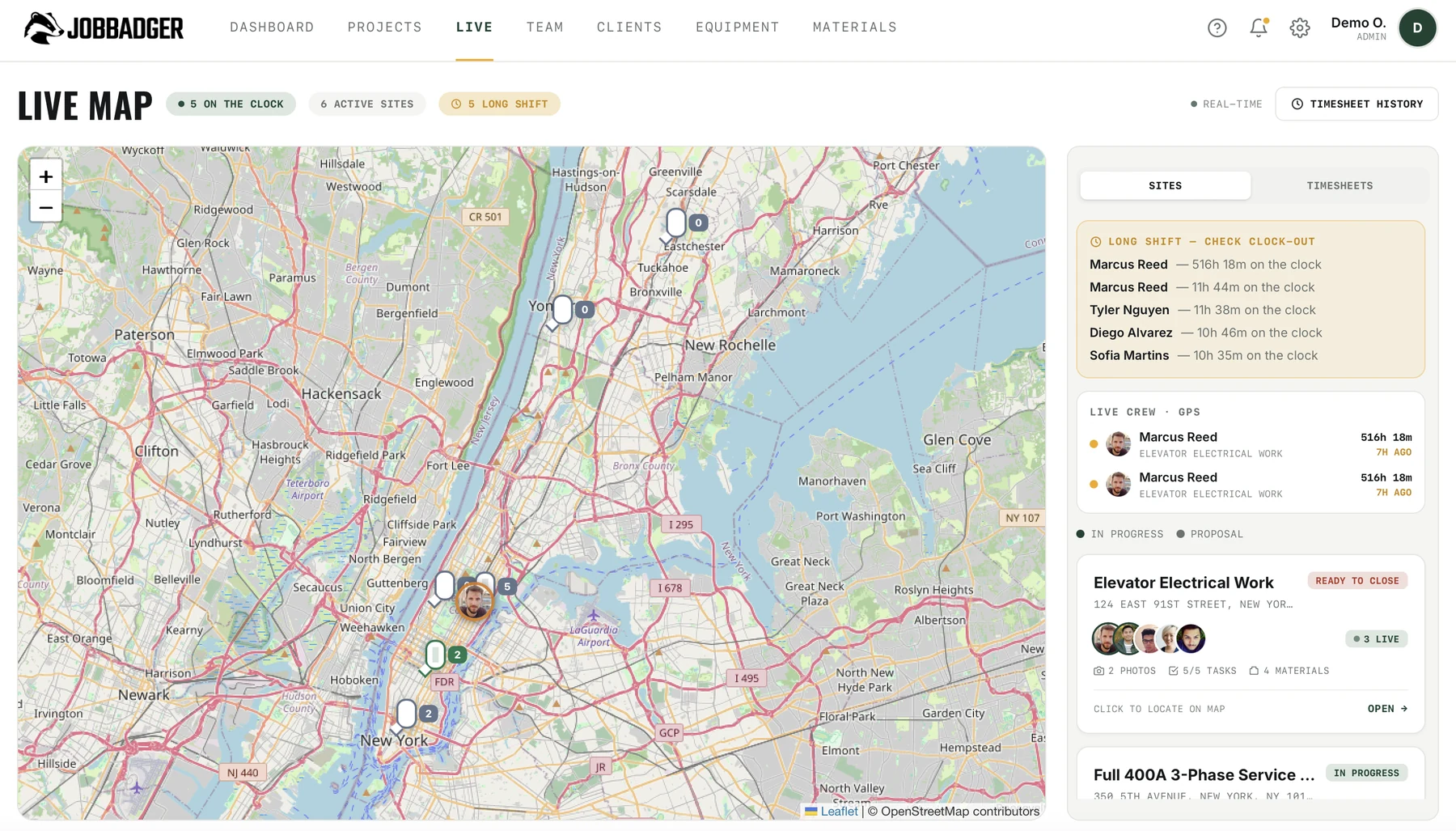
A live map of every active site and every clocked-in crew member. Watch status change the second it happens, see who's on the clock, and get flagged the moment someone drifts off-site.
Proposals, signatures & invoices
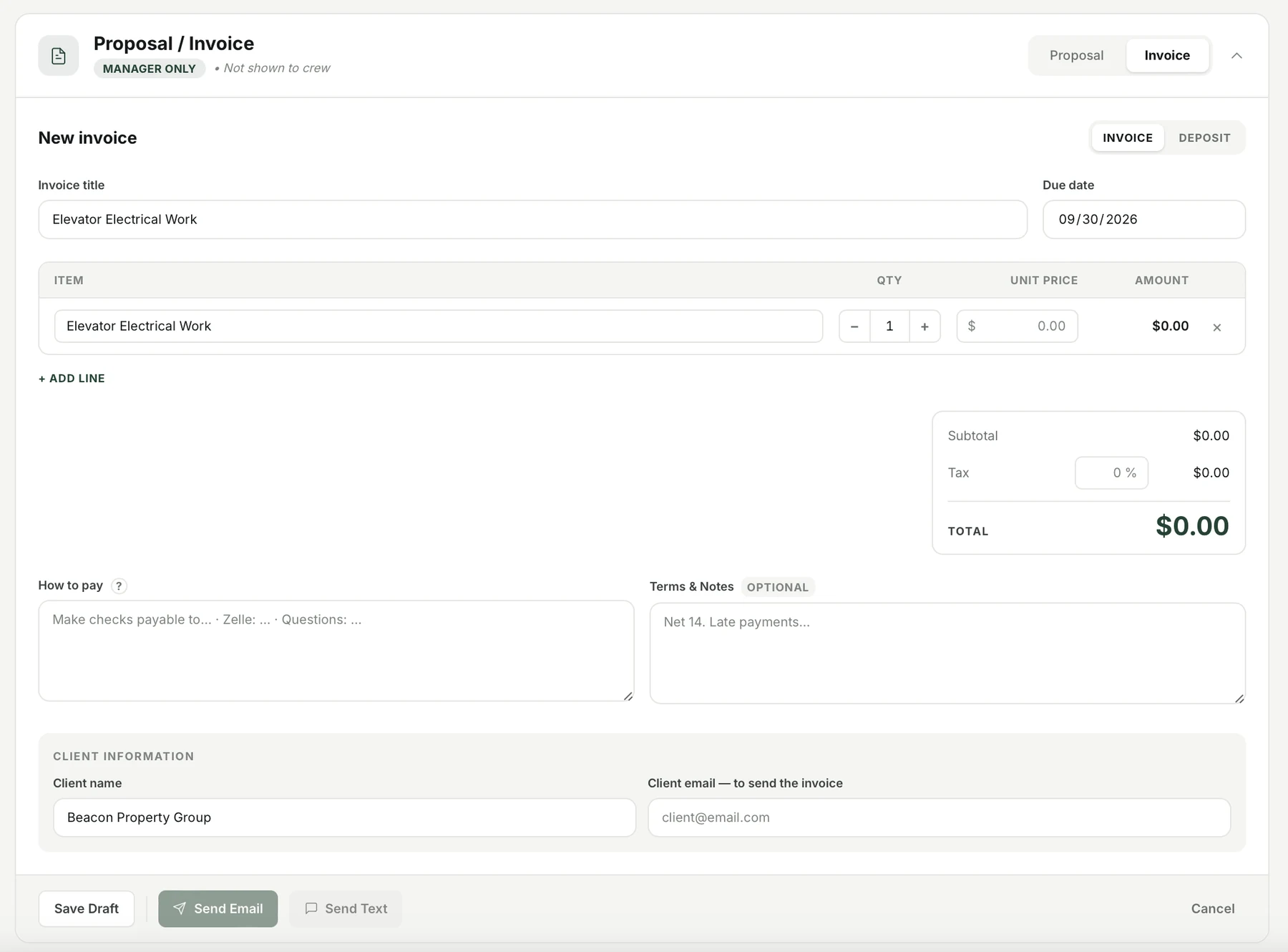
Build the proposal straight from the job and send it by email or text, clients approve and sign on their phone in seconds. Turn it into an invoice with deposits and tax, and sync the whole thing to QuickBooks.
Full data sync once you hit cell service or Wi-Fi.
Tracking only when they're on your time. No spying.
Works on everything your crew already owns.

Put your crews on JobBadger this week
No credit card required. Cancel anytime.